 CurbMuse
NewFront yard, backyard or garden: one photo is enough
AI Landscape Design
from a photo of your yard
Upload a photo of your yard and get a new front yard, backyard or garden design in seconds. Pick a style, add your own ideas and compare before and after.
- Free to try
- 8 landscape styles
- Add your own ideas
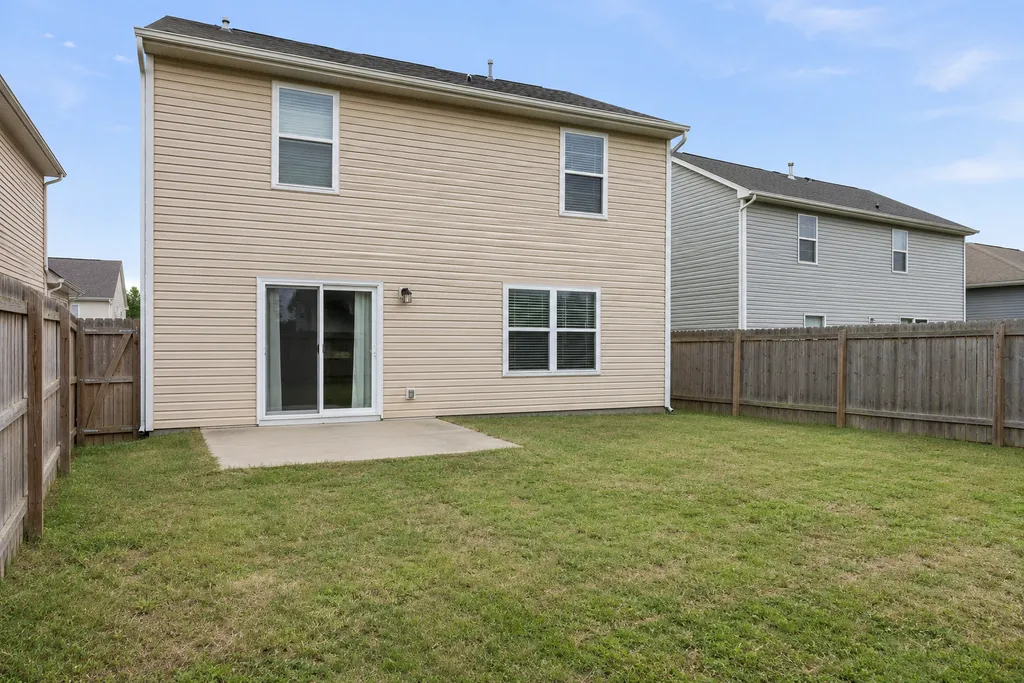
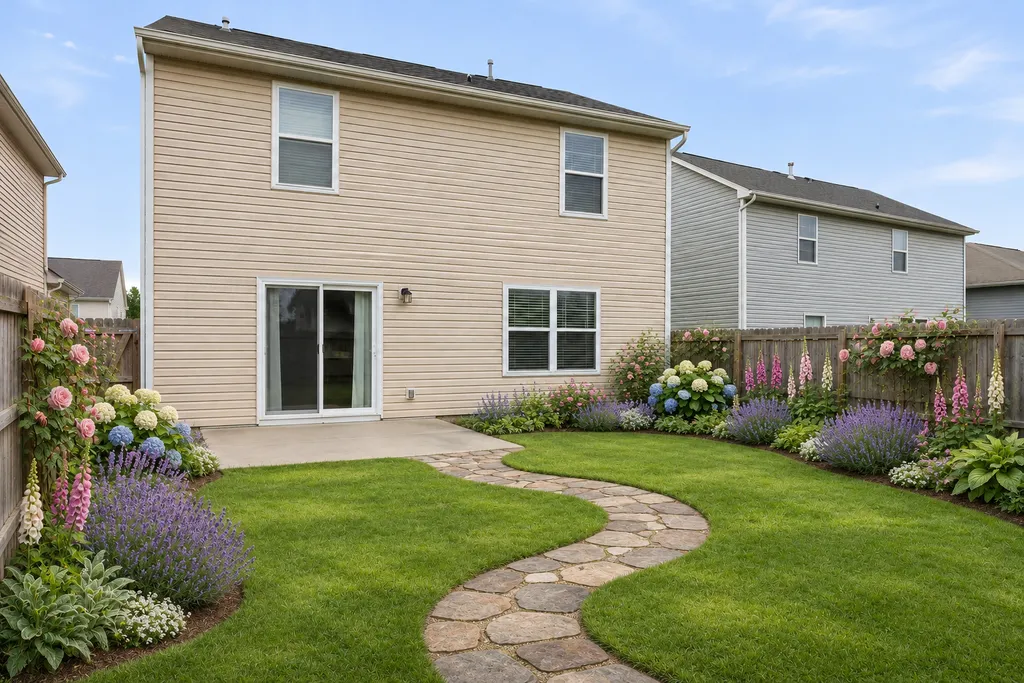
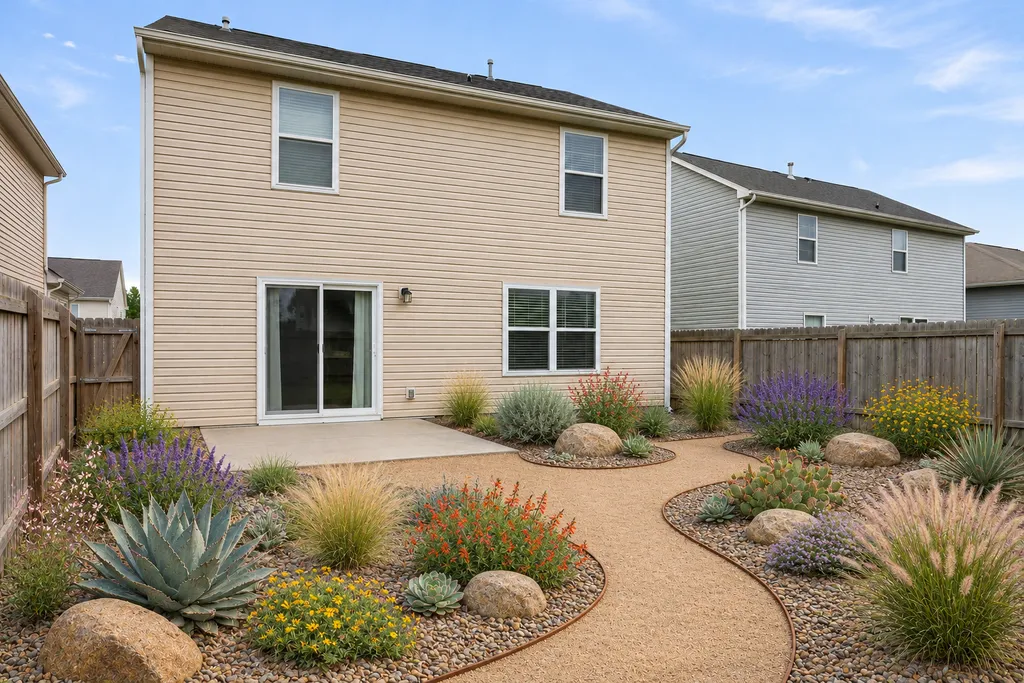
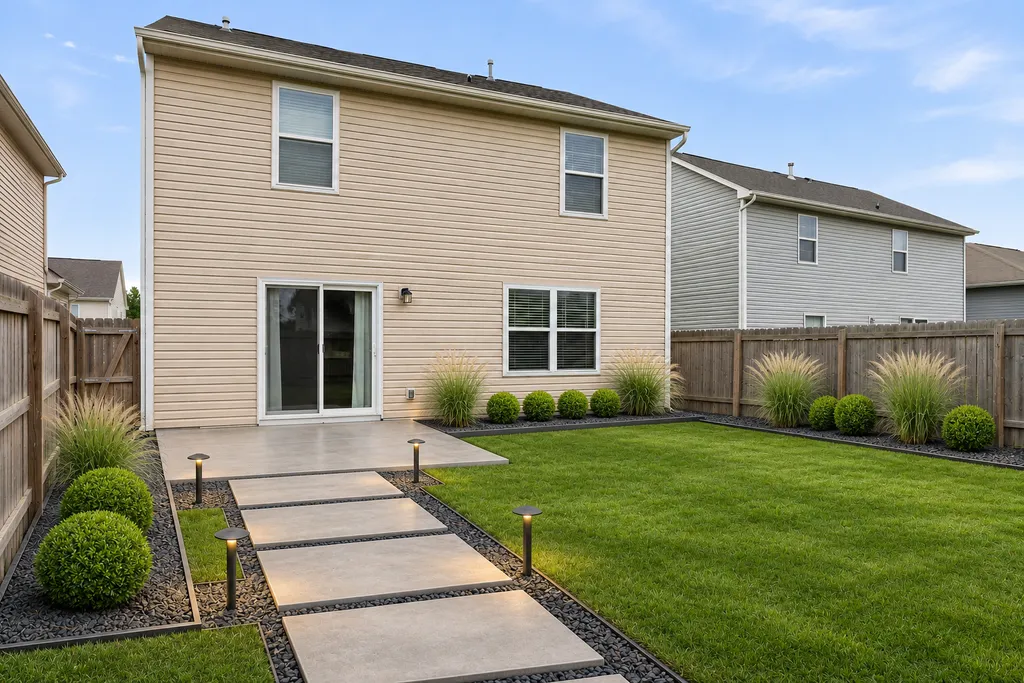
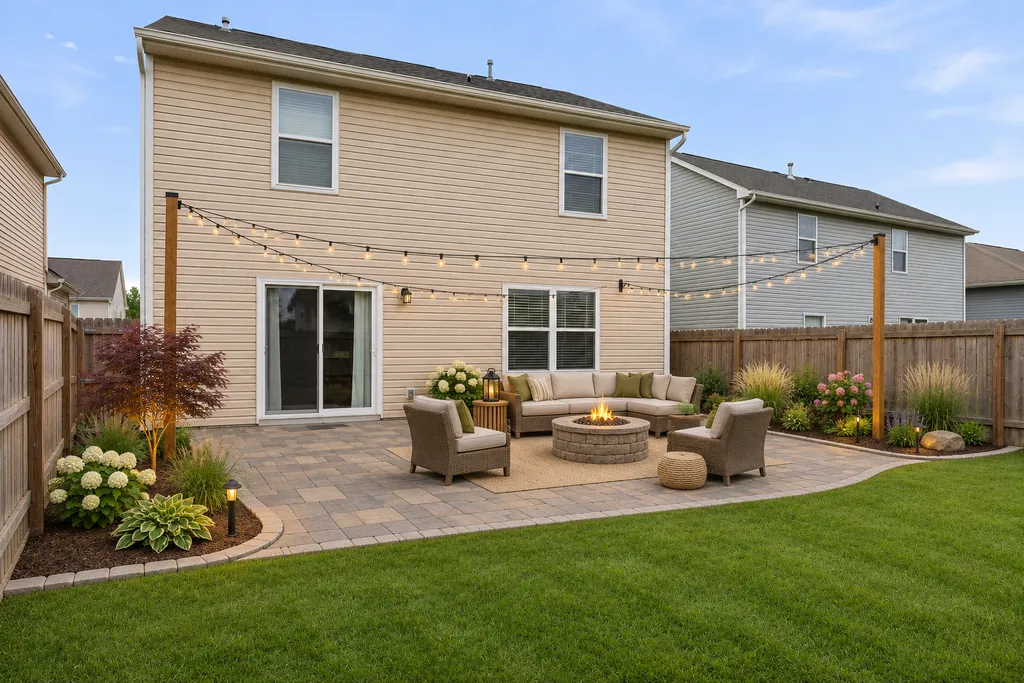
Upload a photo of your yard
Front yard, backyard or garden. Then pick a style.
- Stand back so most of the yard is in the shot
- Daylight works best
- A corner or raised spot shows more of the space
Your photo is only used to make your design.
Landscape styles you can try
Modern
Pavers, ornamental grasses, clean lines.
Cottage garden
Flower borders, roses, winding stone path.
Drought-tolerant
Native plants, gravel, low water use.
Outdoor living
Patio, seating, fire pit, string lights.
- Low maintenanceEvergreen shrubs, mulch beds, simple lawn
- Japanese gardenRaked gravel, moss, maples, stone lanterns
- TropicalPalms, big leaves, lush and green
- DesertCactus, agave, flagstone and gravel
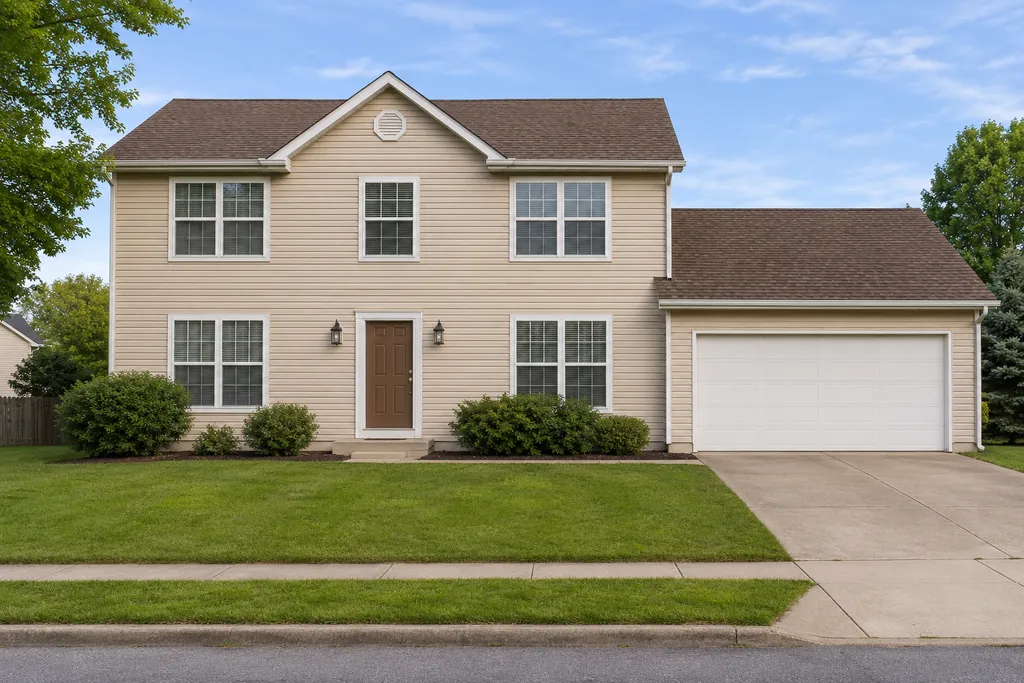
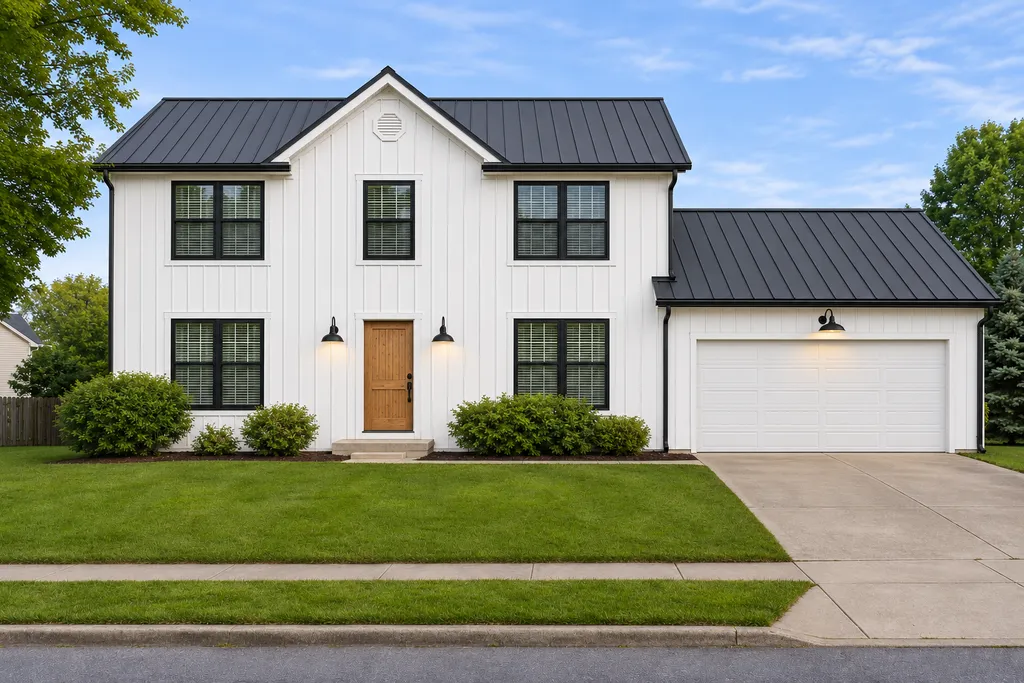
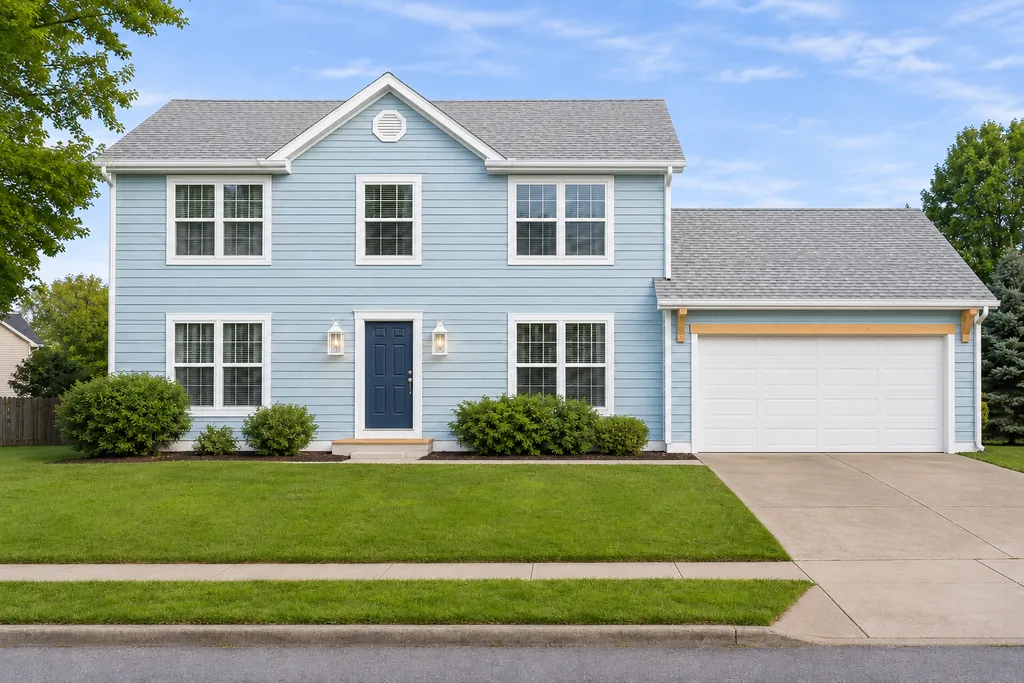
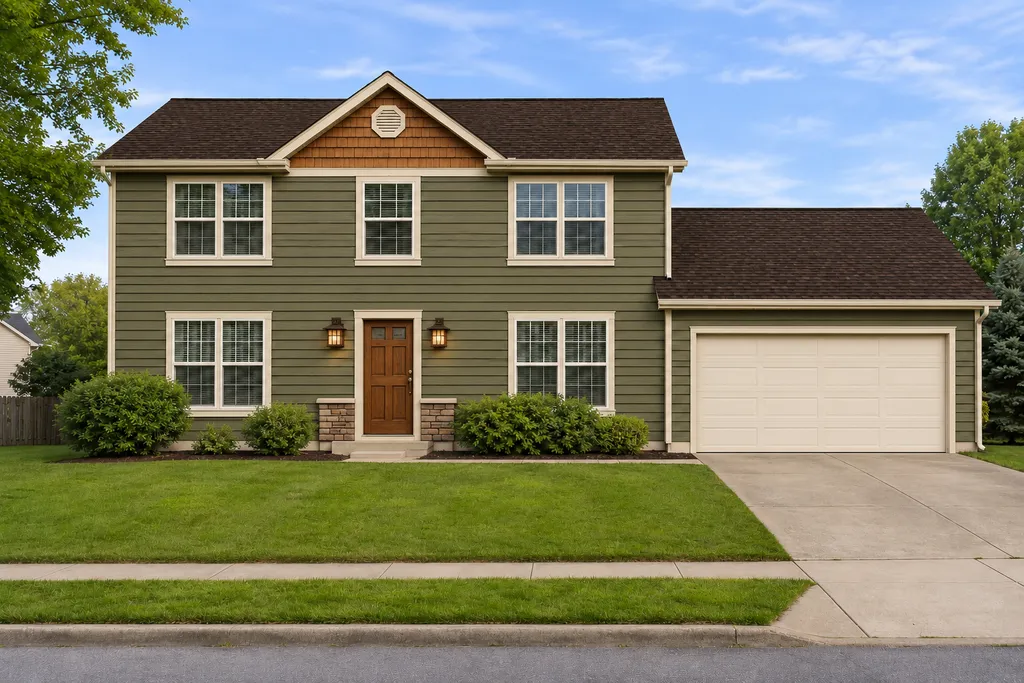
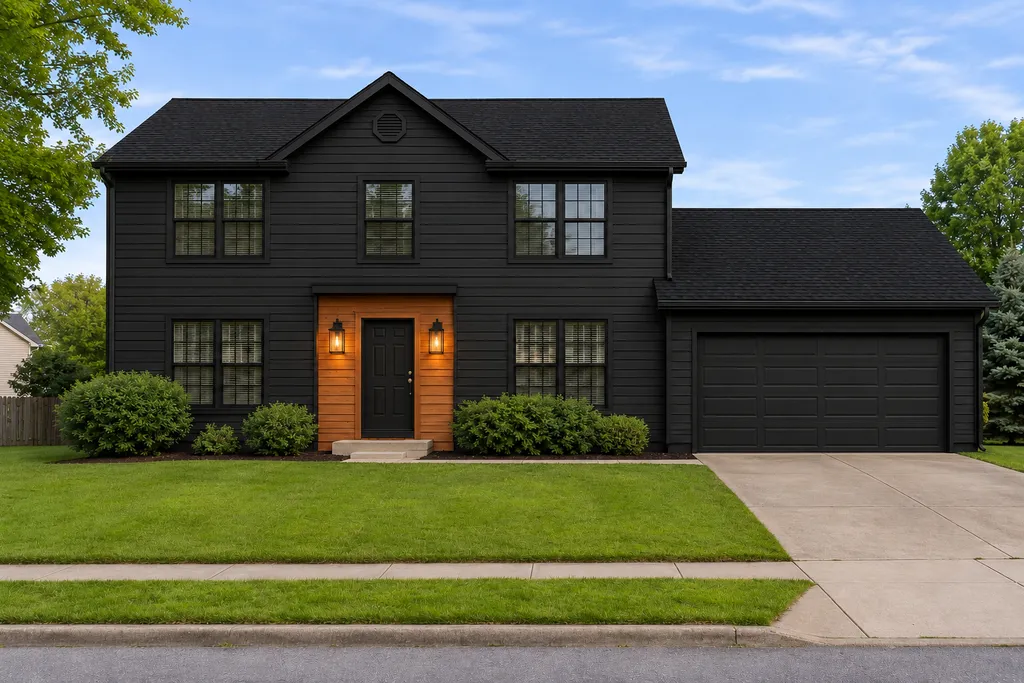
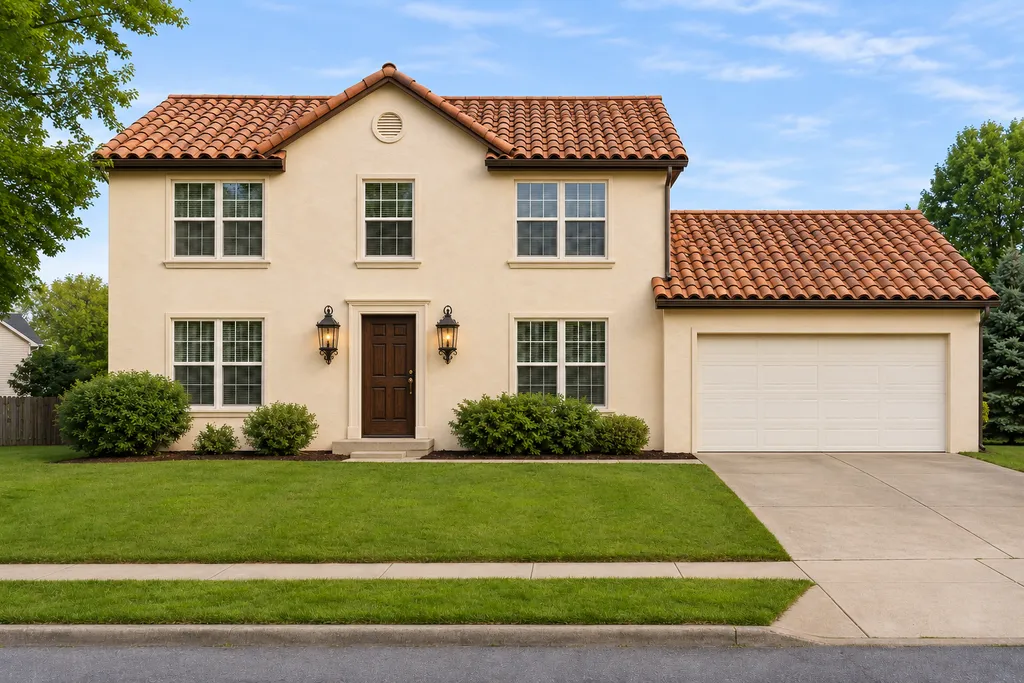
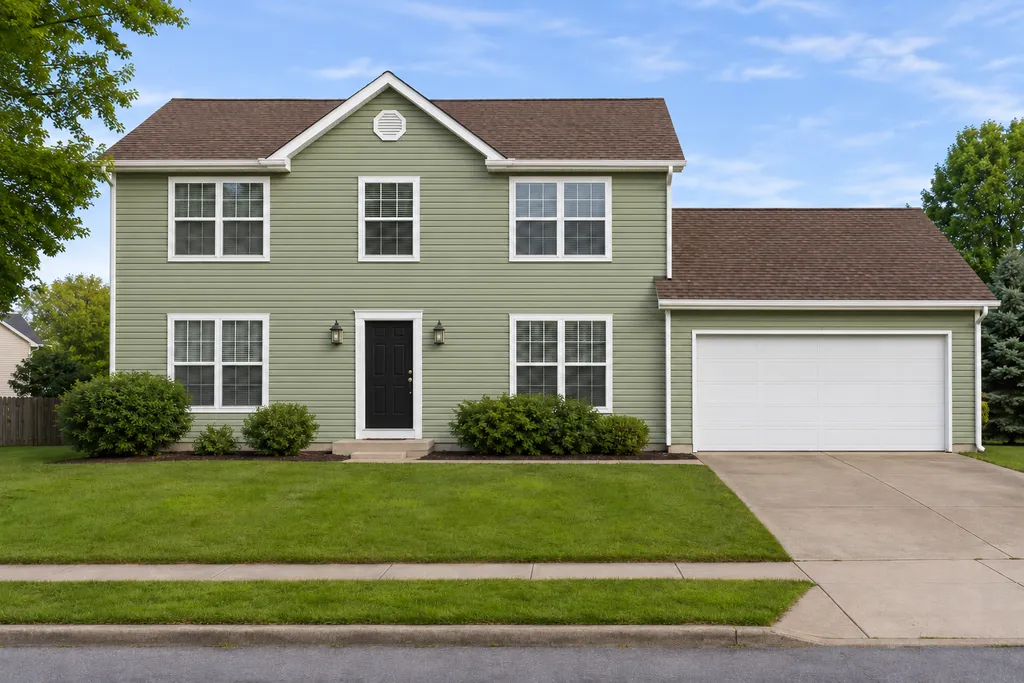
Example photos are AI-generated sample houses, not customer homes.
AI backyard design
Your backyard is where you actually spend time, so start with how you want to use it. Pick Backyard above, then a style, and add what matters to you in the notes: a patio for dinners outside, a fire pit, a lawn for the kids, more privacy from the neighbors or a lower water bill.
The "Outdoor living" style is a good starting point for a patio and seating area, and "Low maintenance" is for a yard that looks good without weekend work.
AI garden design
Choose Garden to redesign planting beds and flower borders. The cottage style fills beds with roses, lavender and hydrangeas, the Japanese style uses moss, gravel and maples, and the drought-tolerant style swaps thirsty lawn for native plants and gravel paths.
Front yards matter too: a tidy front garden is one of the cheapest ways to improve curb appeal. Pick Front yard to see your house with new beds, a path and lighting.
How to use AI for landscape design
- 1
Take a good photo
Shoot in daylight from a corner or a raised spot so most of the yard is in the frame.
- 2
Try several styles
Each design takes seconds, so compare three or four before you decide on a direction.
- 3
Steer it with notes
Tell the AI what to add ("a stone path to the gate") and what to keep ("the big oak tree").
- 4
Turn it into a plan
Pick plants that suit your climate, measure the space, and take the design to a landscaper or garden center for a quote.
From AI design to a real yard
An AI-generated landscape design shows you a look, not exact measurements or a planting plan. Use it to agree on a style with your family or your landscaper, then work out sizes, plants and budget.
If you're a landscaper, the Contractor plan lets you show clients ideas on a photo of their own yard during the first visit.
Contractor plan
$39per month
- 400 credits every month
- Show clients ideas on a photo of their own yard
- Use designs in quotes and proposals
- Cancel anytime
More ways to plan your exterior
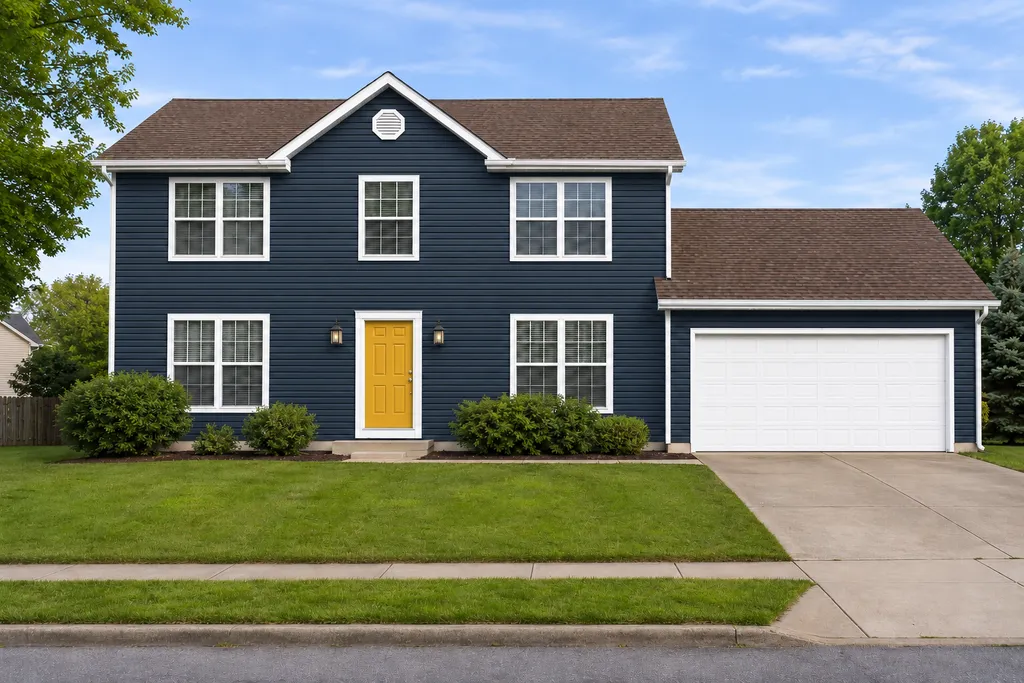
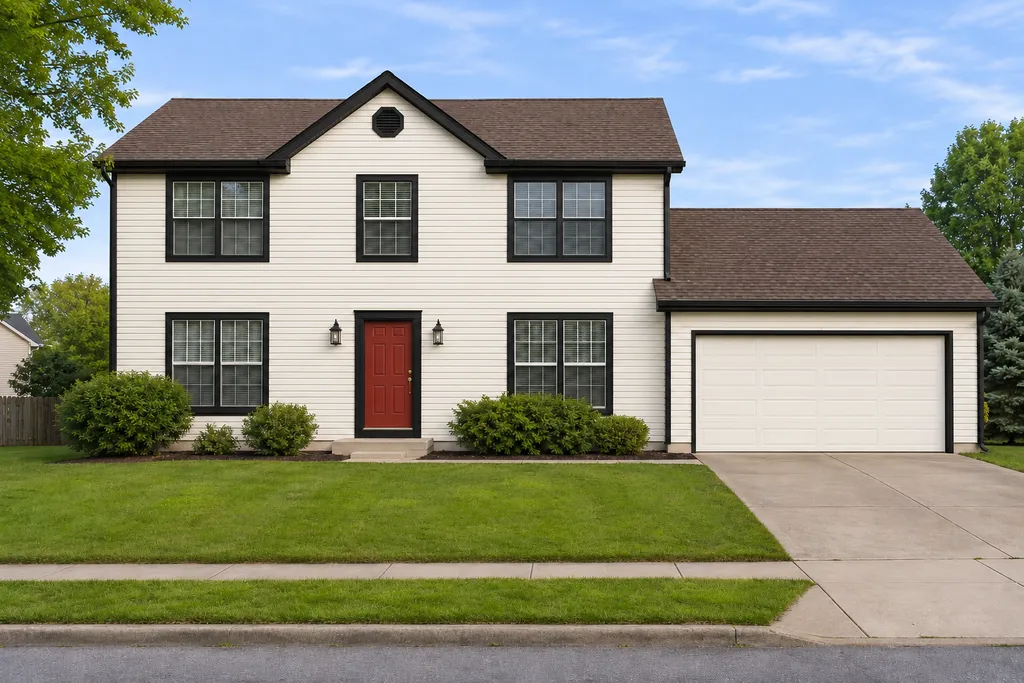
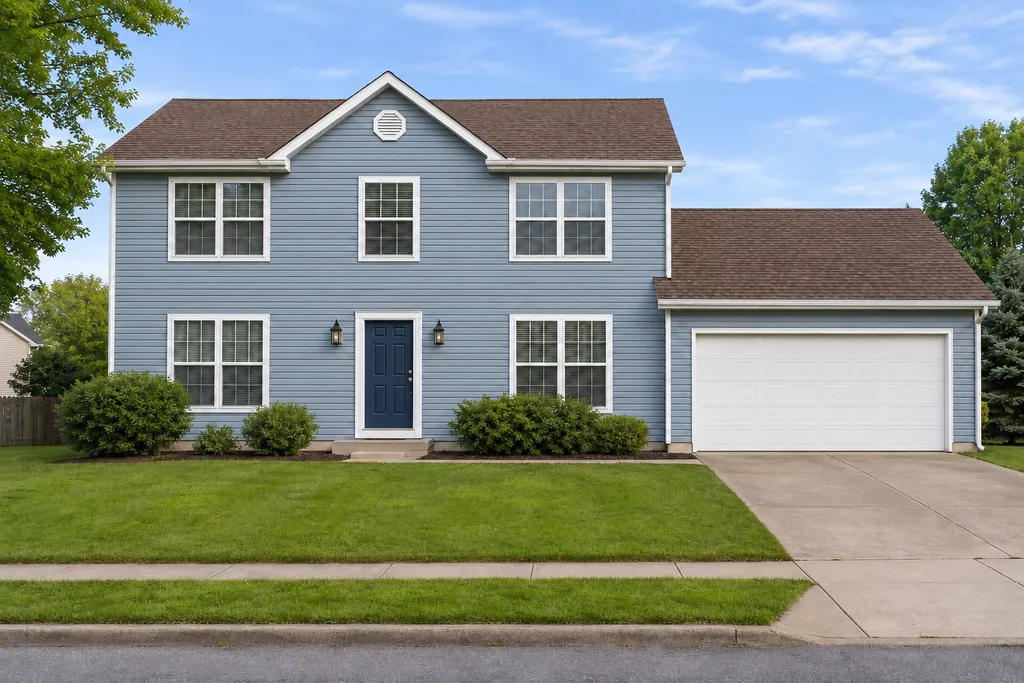
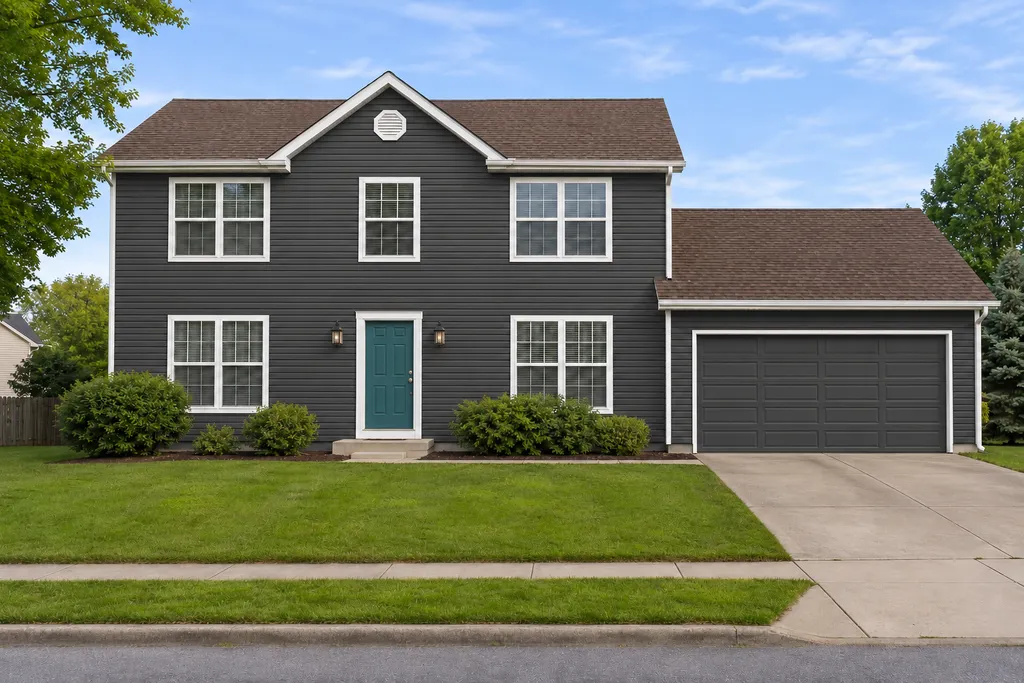
Frequently asked questions
Something else? Email hello@curbmuse.com.
Is this AI landscape design free?
Yes, you can try it free. New accounts get 3 free credits, and one credit makes one AI landscape design. Credit packs start at $9 if you want more, with no subscription.
How does AI landscape design work?
You upload a photo of your yard, choose the area (front yard, backyard or garden) and a style. The AI keeps your house, fences and the camera angle, and redraws the plants, lawn, paths and patio in that style. The result is a realistic photo of your own yard, ready in about 10 to 20 seconds.
Can AI design my backyard from a photo?
Yes. Take a photo of your backyard from a spot where you can see most of it, upload it and pick a style. You can add notes like 'add a fire pit' or 'keep the big oak tree' to steer the design.
What is the best AI for landscape design?
For homeowners, the most useful AI landscape design tools work from a photo of your own yard, keep the house and fences in place, and let you try several styles quickly. Professional landscape design software is better for exact plans and plant lists, but it takes much longer to learn.
Is there an AI landscape design app?
CurbMuse works in the browser on your phone, tablet or computer, so there's no app to install. On a phone you can photograph your yard and get a design on the spot.
Will the plants in the design grow where I live?
Not necessarily. The AI picks plants that fit the style, not your climate. Use the design as inspiration, then check plants against your USDA hardiness zone or ask a local nursery for similar plants that grow well in your area.
Can landscapers use it with clients?
Yes. The Contractor plan includes 400 credits a month, and you can use the designs in quotes and proposals to show clients what their yard could look like.
Can I keep parts of my yard the way they are?
Yes. Write what to keep in the notes box, for example 'keep the driveway and the maple tree'. The AI already keeps the house, walls and fences as they are.
See your yard redesigned in seconds
Upload one photo of your front yard, backyard or garden and try every style.
Upload a photo