NewNo tracing, no masking: AI finds your walls
Exterior Paint Visualizer
that finds your walls
Upload a photo of your house. AI finds the siding, trim and front door for you, then you try exterior paint colors in one click.
- Free to try
- Unlimited color changes
- Any HEX color

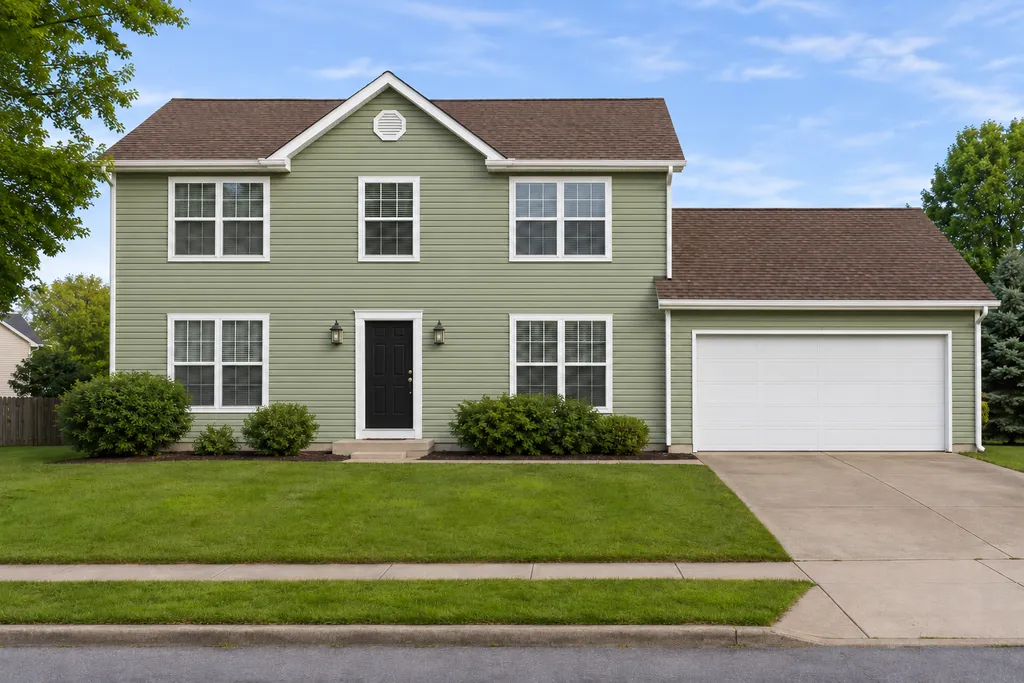
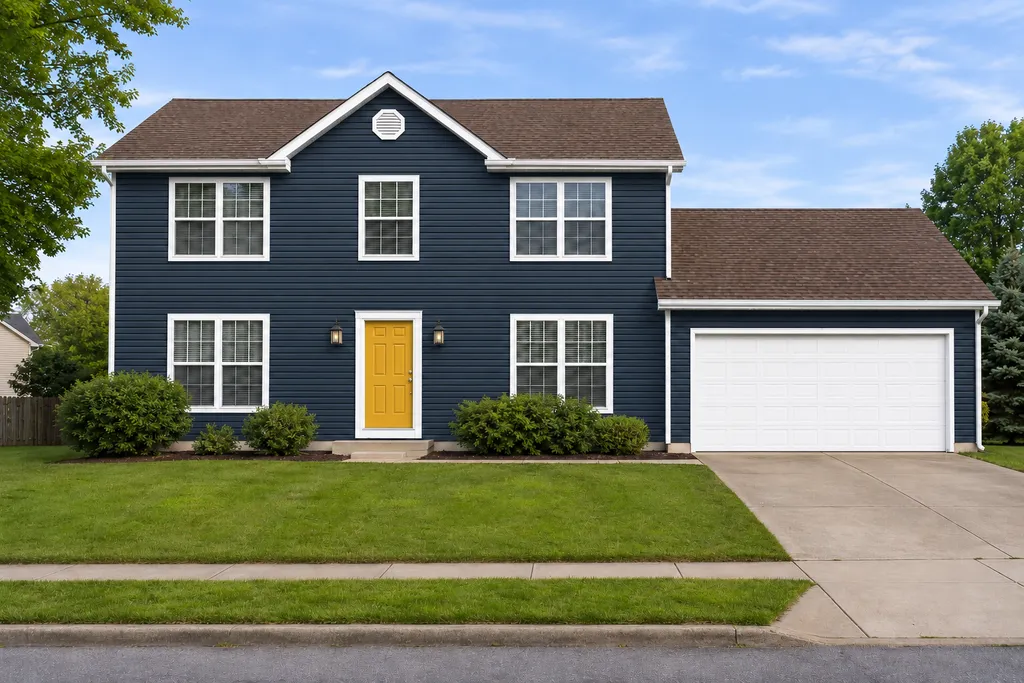


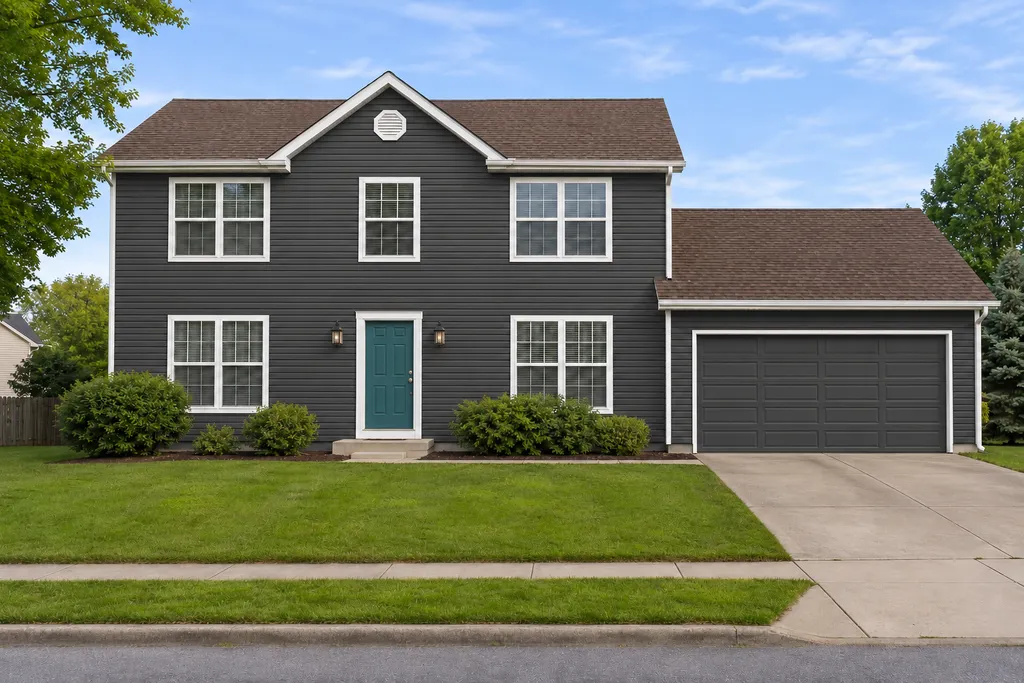
Upload a photo of your house
AI finds the siding, trim and doors. Then try colors as often as you like.
- Take it from the street, in daylight
- Keep the whole front of the house in view
- Brick, stucco and siding all work
Your photo is only used to make your design.
How the AI exterior paint visualizer works
One scan per photo, then every color change is instant.
- 1
Upload a photo of your house
AI scans it once and finds the walls, trim, front door and garage door.
- 2
Pick what to paint
Choose siding, trim, front door or garage door.
- 3
Try colors
Tap a swatch, pick any color or type a HEX code. The new color keeps your walls' real shadows and texture.
- 4
Compare and save
Hold the button to see the original, then download the version you like.
Why automatic wall detection matters
Most house paint visualizers make you choose a sample house or outline your walls by hand before you can try a single color. That's slow, and the edges rarely look right. Here the AI does the outlining, so you can go straight to comparing colors on your own house.
Because the scan happens once per photo, trying a new color is instant. You can compare a dozen exterior house paint colors in a minute.
The usual way
Many paint visualizers
- Sample houses, not yours
- Outline the walls by hand
- One brand's colors
- Edges that look painted on
With CurbMuse
 CurbMuse
- Your own house photo
- AI finds the walls for you
- Any color or HEX code
- Keeps real shadows and texture
Front door color visualizer
A new front door color is the cheapest way to change how your house looks from the street. Pick a color below to try it on your door in the visualizer above. Upload a photo first if you haven't yet.
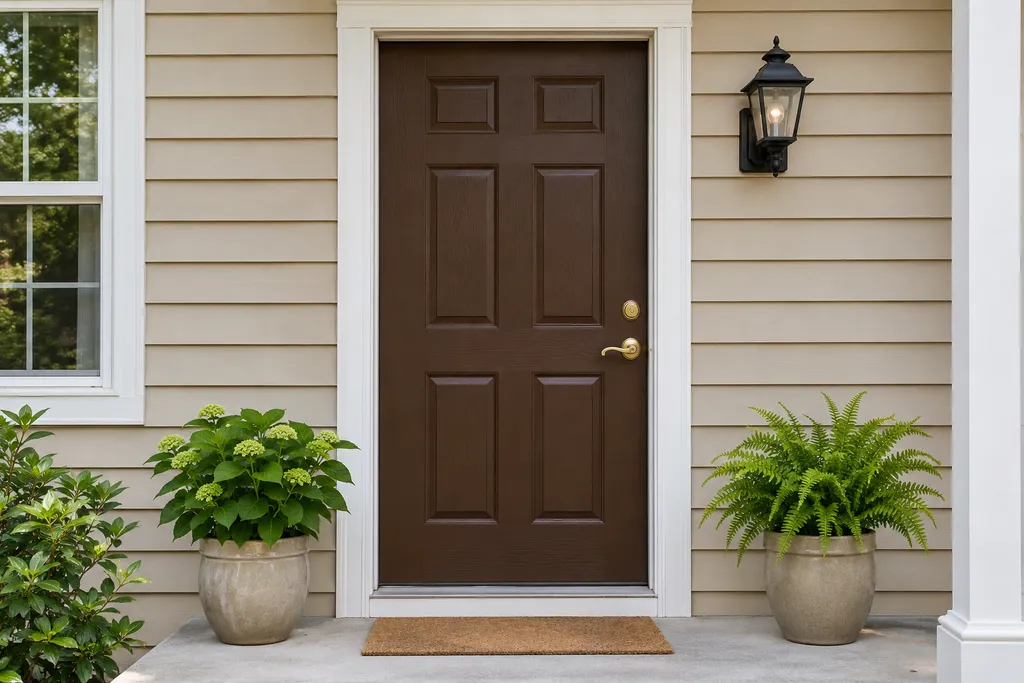
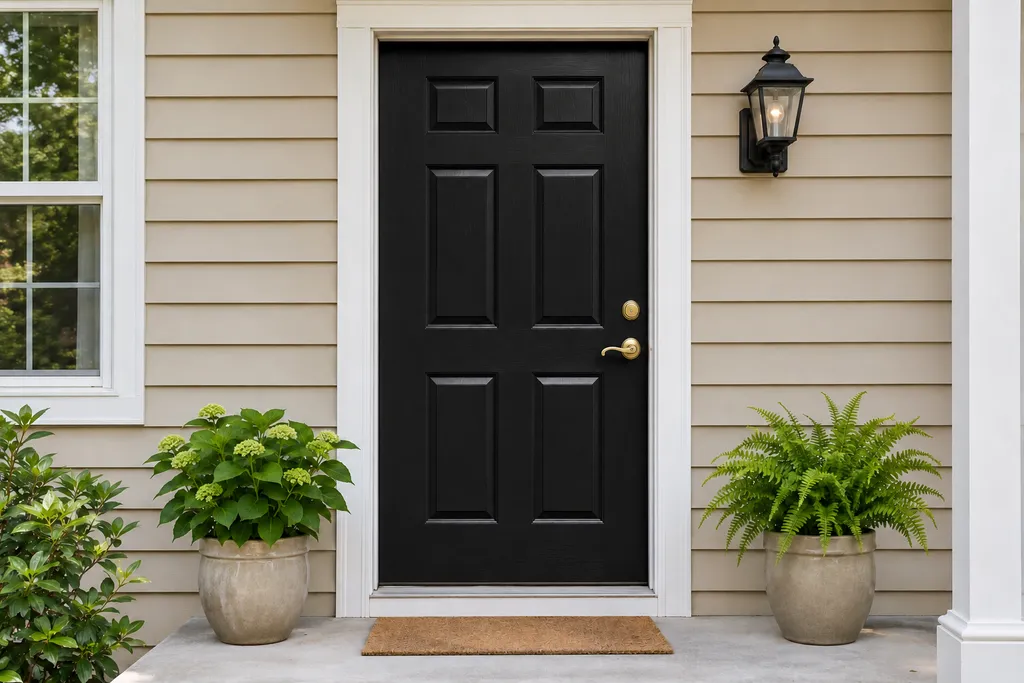
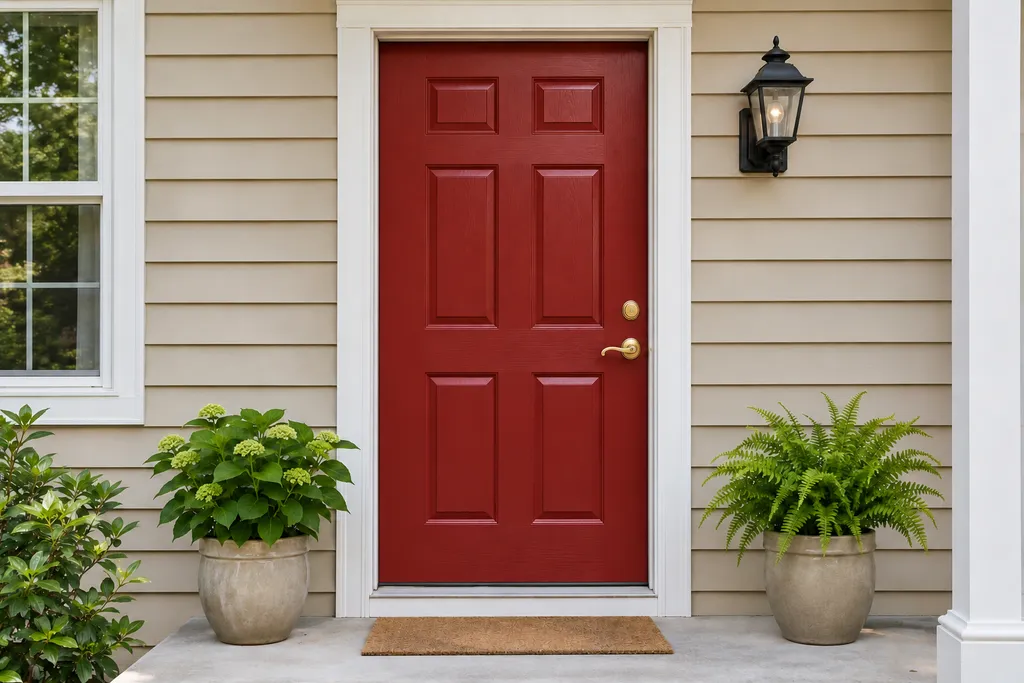
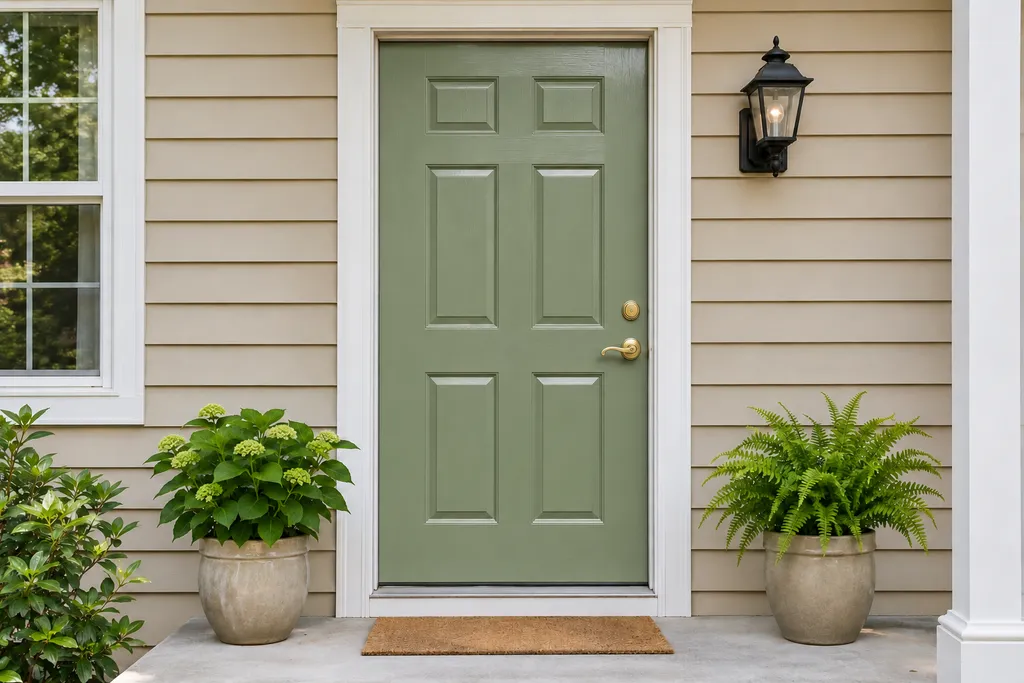
- Black and navy look sharp on white, gray and light blue houses.
- Red, mustard and teal stand out on neutral siding and make the entry easy to find.
- Sage and forest green sit well next to brick, stone and gardens.
Tips for choosing exterior house paint colors
Start with what you won't change
Your roof, brick, stone and driveway stay the same, so pick paint colors that work with them.
Use three colors
One for the siding, one for the trim and one accent for the front door or shutters.
Go a little lighter than you think
Colors look darker on a small chip than on a whole house in full sun.
Check the rules
If you have an HOA, check its approved color list before you choose.
Test before you buy
Paint large sample patches and look at them in the morning and the afternoon.
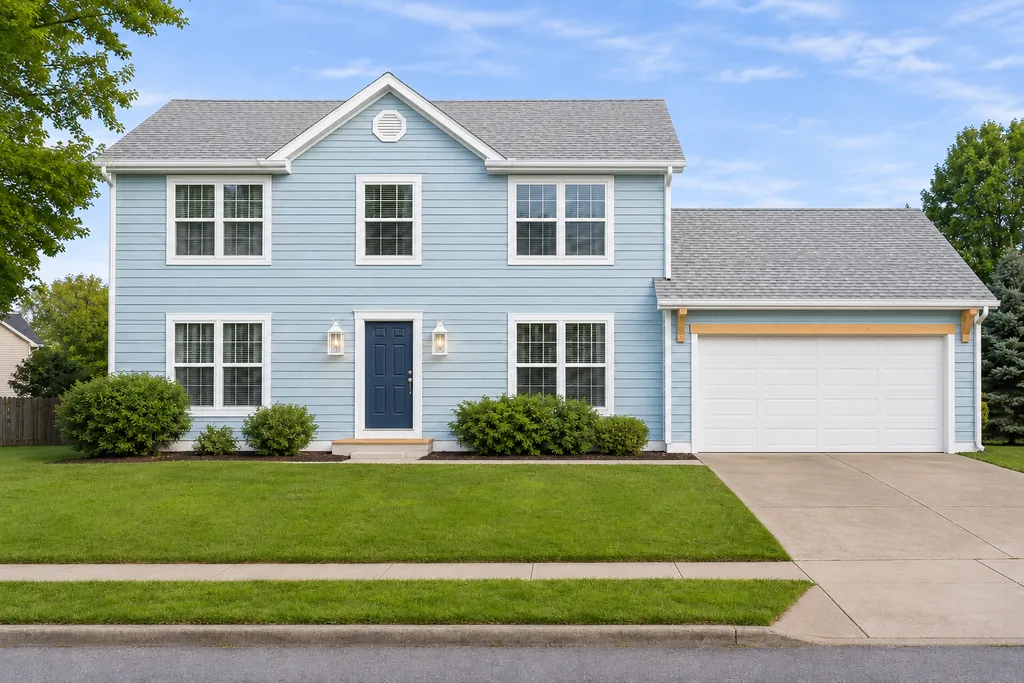
More ways to plan your exterior

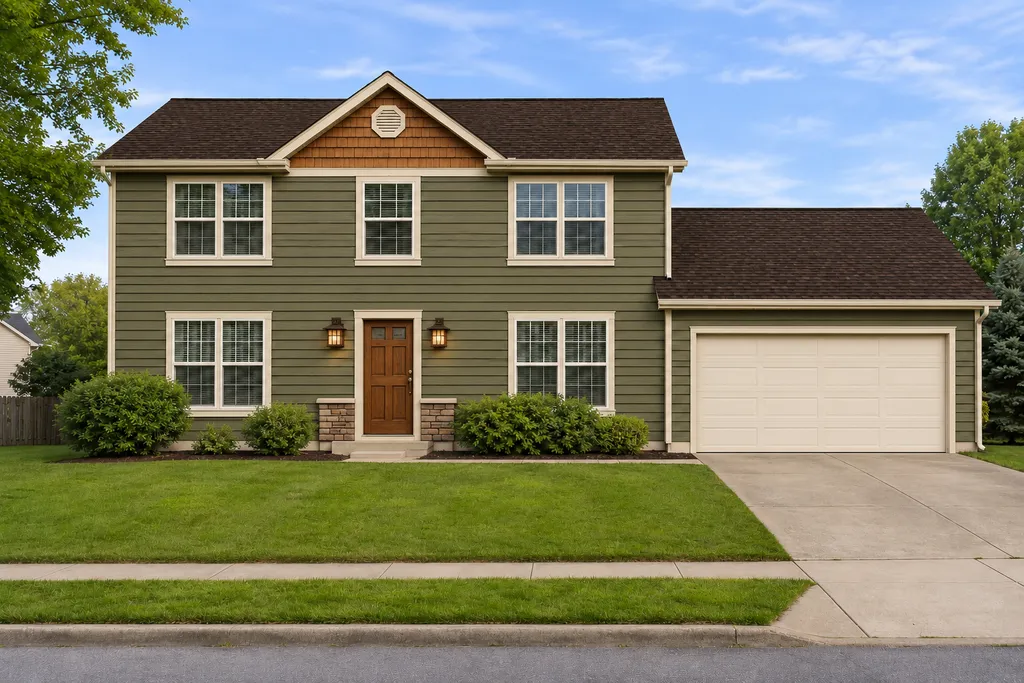
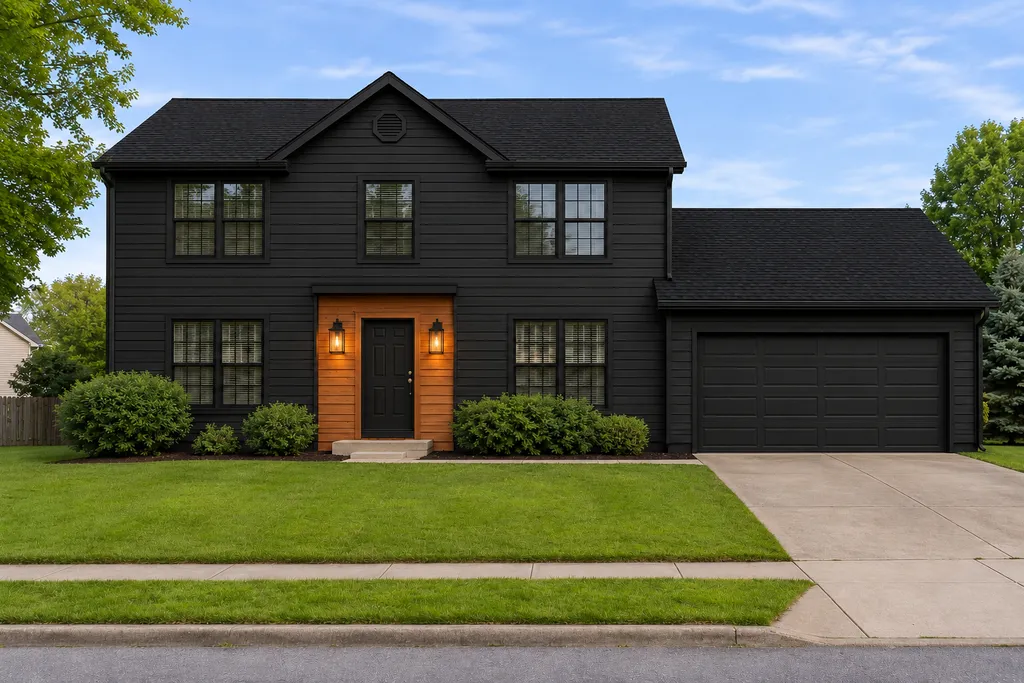
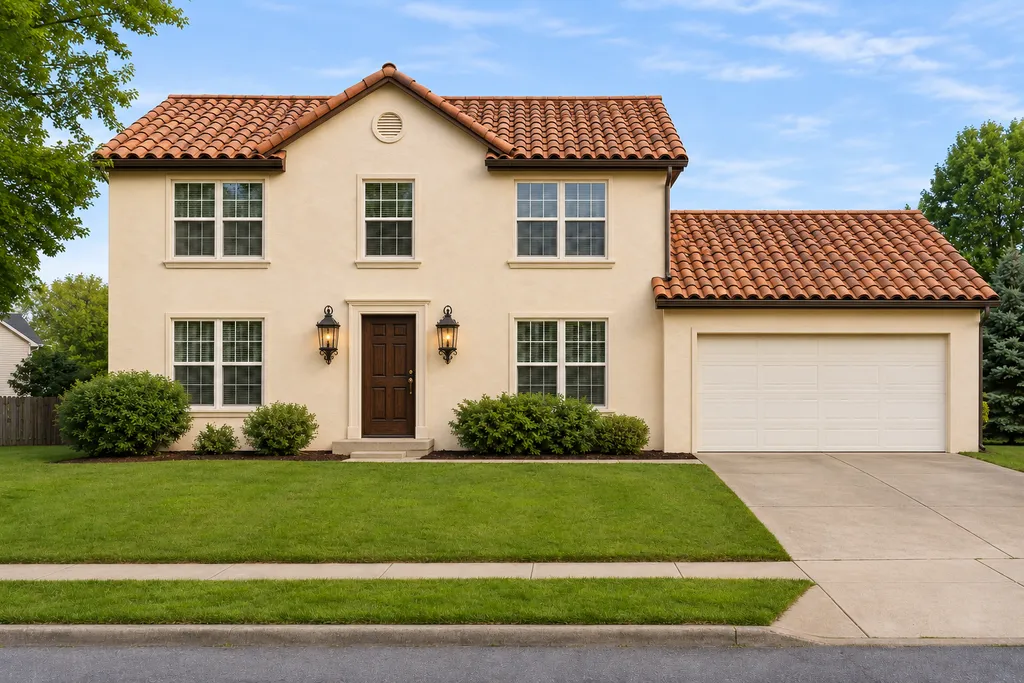
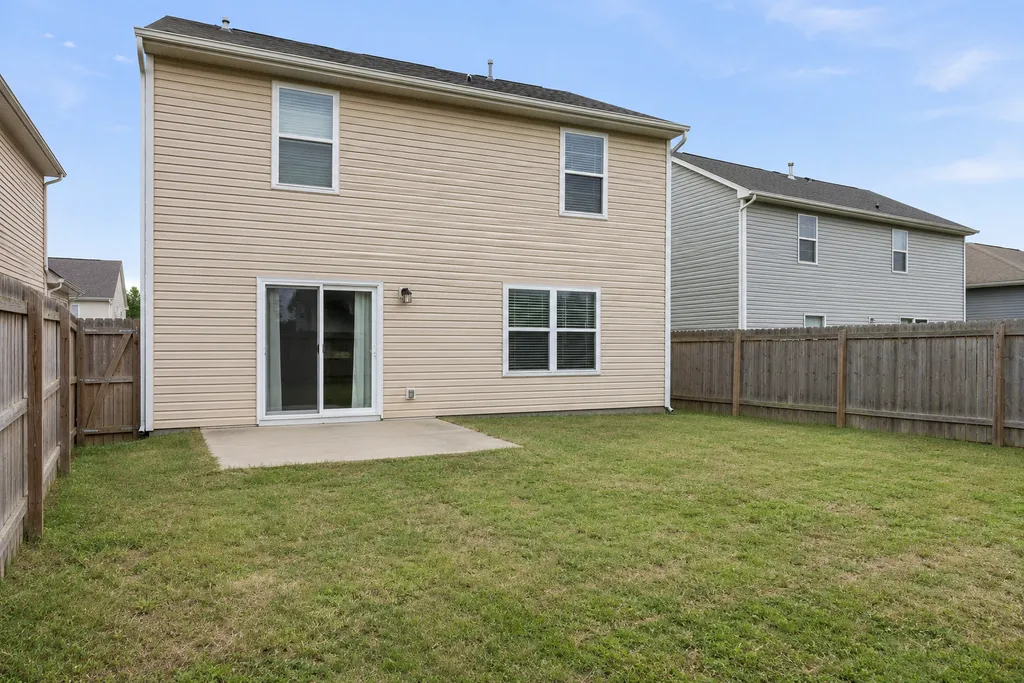
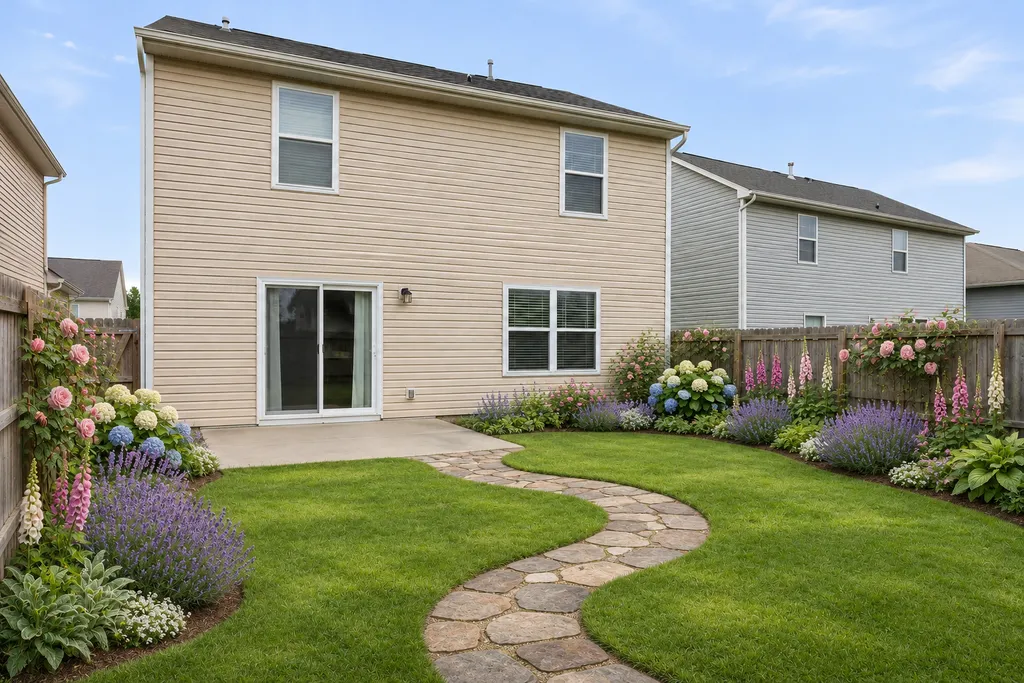
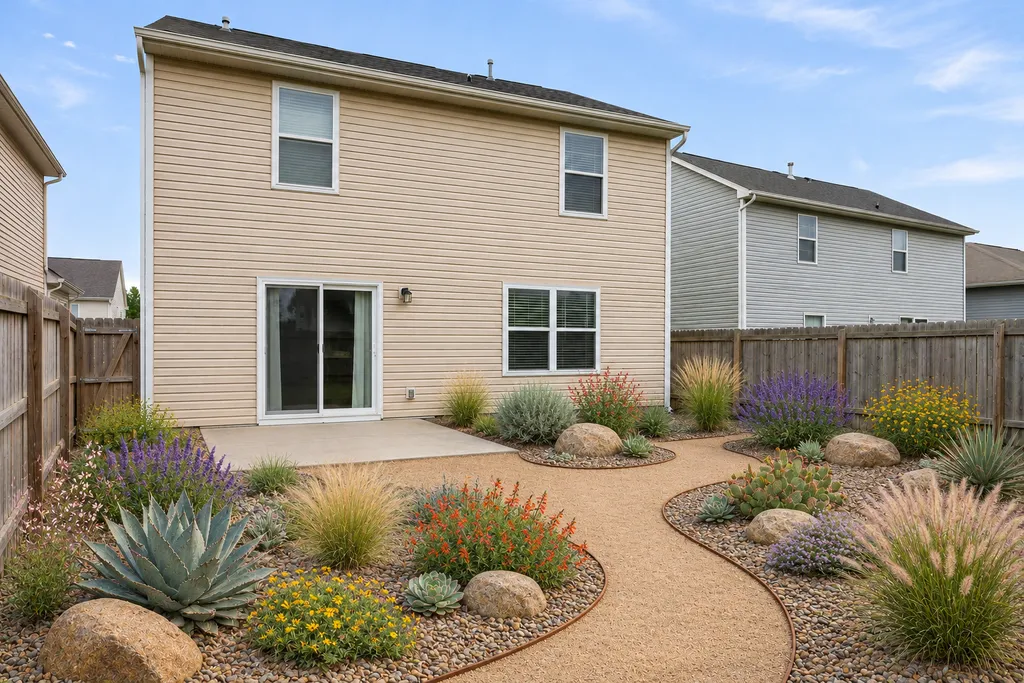
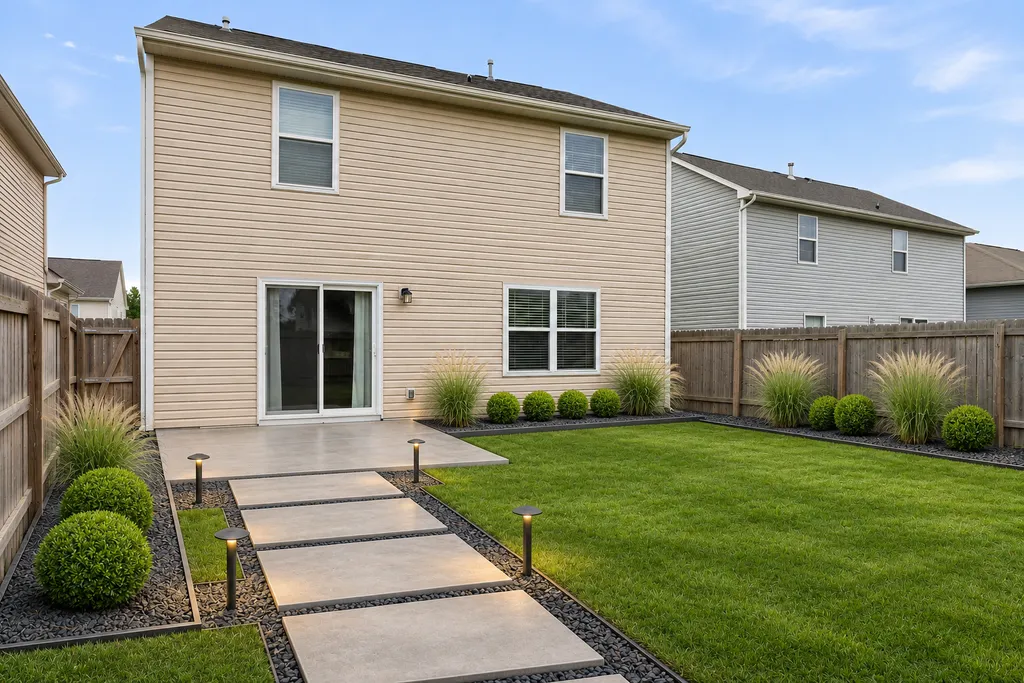
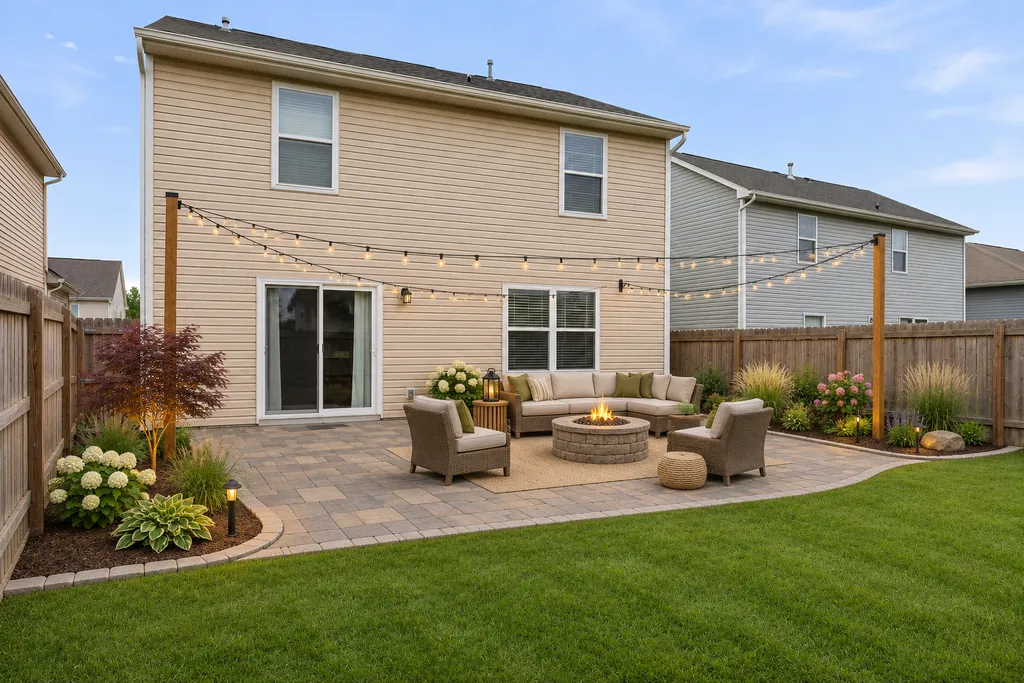
Frequently asked questions
Something else? Email hello@curbmuse.com.
Is this exterior paint visualizer free?
Yes, you can try it free. Scanning a house photo uses one credit and new accounts get 3 free credits. Once a photo is scanned, you can try as many paint colors on it as you like at no extra cost.
How does the AI exterior paint visualizer work?
When you upload a photo, AI finds the siding or walls, the trim, the front door and the garage door, and leaves the windows out. You then pick a part and a color. The color is applied in your browser while keeping the light, shadows and texture of your real walls, so it looks like paint rather than a flat fill.
Can I see paint colors on a photo of my own house?
Yes, that's what it's for. Upload any photo of your house: a phone photo from the street is fine. You don't have to trace or mask the walls by hand.
How accurate are the colors?
The visualizer applies the exact color you choose, but every screen, camera and time of day shows color a little differently. Use it to narrow down your choices, then test real paint samples on your wall in morning and afternoon light before you buy.
Can I use a color from my paint brand?
Yes. Type the color's HEX code into the color box. Most paint brands show a HEX or RGB value on each color's web page. CurbMuse isn't affiliated with any paint brand, and colors on screen are approximate.
What is the best exterior paint visualizer?
The most useful ones work on a photo of your own house and don't make you outline the walls yourself. Many visualizers only work on sample houses, need you to paint the walls by hand, or only offer one brand's colors. CurbMuse finds the walls automatically and accepts any color.
Is there an exterior paint visualizer app?
CurbMuse runs in the browser on your phone, tablet or computer, so you don't need to install an app. On a phone, you can take the photo and try colors on the spot.
Can I try different front door colors?
Yes. Pick 'Front door' in the visualizer, or use the front door color ideas on this page to apply a color straight to your door.
Does it work on brick, stone or stucco?
It works on any wall the AI recognizes, including stucco and brick, so you can preview painted brick. Stone and very dark or shaded walls are sometimes missed. If a part isn't found, try a brighter, straight-on photo.
Find your house's next color
Upload one photo, let AI find the walls, and try as many colors as you like.
Upload a photo